When Your Screen Is Too Bright: The Small Habit That Can Make Your Eyes Feel Worn Out
Minjin Park
·
Keeping your phone, laptop, or tablet screen too bright can make your eyes feel tired, dry, and strained. Here’s how screen brightness affects daily eye comfort and how to adjust it without making your screen hard to use.
Most people notice when their phone battery is dying. They notice when the Wi-Fi is slow. They definitely notice when an app freezes at the worst possible moment.
But screen brightness? That one usually slips under the radar.
You unlock your phone in the morning, check a few messages, scroll through the news, maybe answer emails before breakfast. The brightness is still cranked up from yesterday afternoon when you were outside. Later, you open your laptop in a dim room, and the screen lights up your face like a tiny billboard.
At first, it feels fine. Clear, sharp, easy to read.
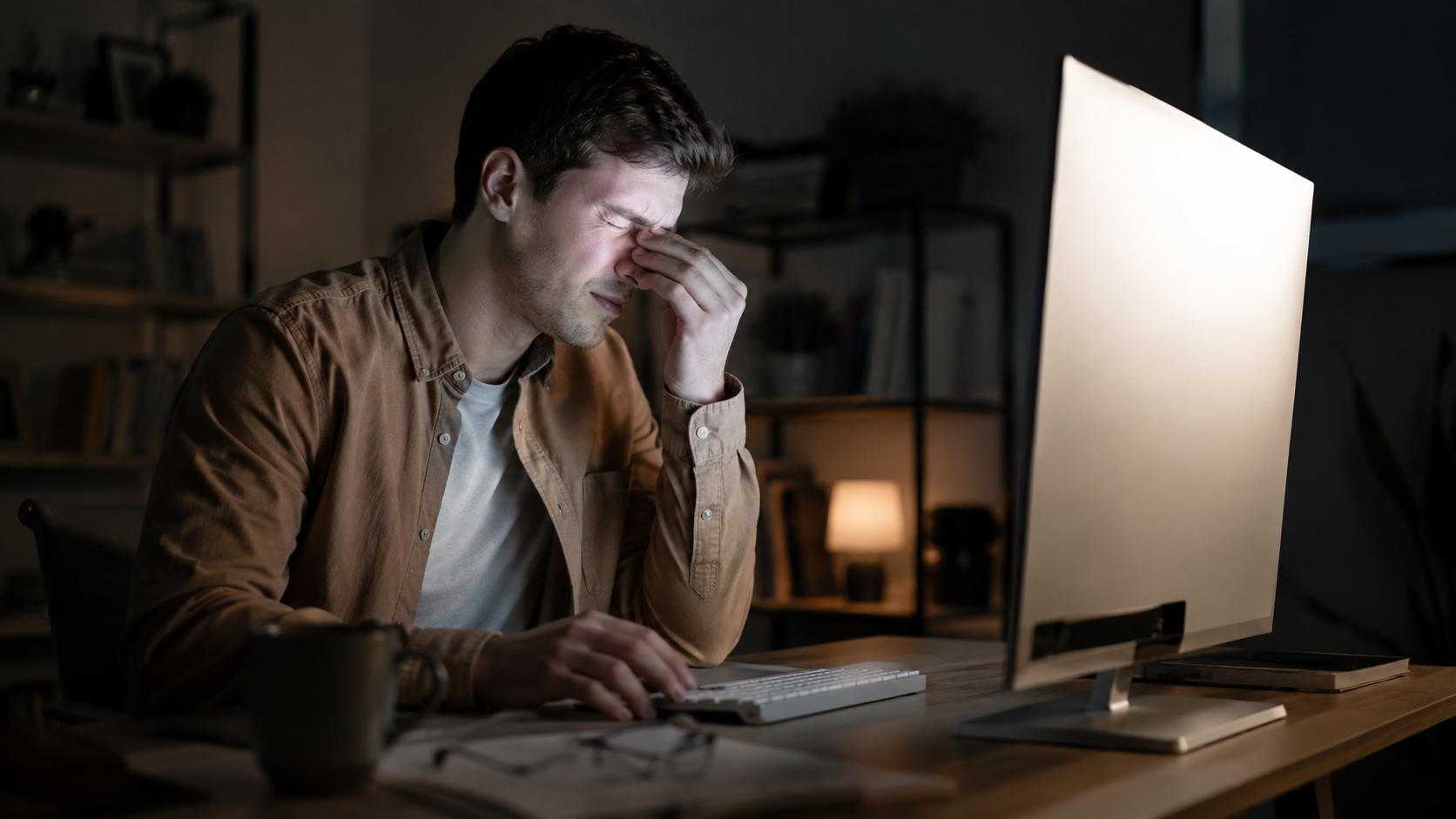
Then, after a while, your eyes start to feel a little tired. Not painful exactly. Just heavy. Dry. Maybe you rub them without thinking. Maybe the words on the screen feel less crisp than they did an hour ago. By nighttime, your eyes feel like they have been working overtime, even if all you did was answer emails, watch videos, and scroll.
A bright screen is not automatically “bad.” Sometimes you need brightness, especially in daylight. The problem is keeping it too bright for the room you are actually in. That mismatch between your screen and your surroundings is where a lot of everyday eye discomfort begins.
The American Academy of Ophthalmology notes that when a screen is brighter than the surrounding environment, your eyes have to work harder, and adjusting screen brightness to match the room can help reduce strain.
Brightness Is Not the Same as Clarity
A lot of us treat brightness like a shortcut for better visibility.
Can’t read something? Turn the brightness up.
Text looks dull? Turn the brightness up.
Watching a video in bed? Turn the brightness up “just a little.”
It makes sense in the moment. A brighter screen can look cleaner and more vivid. Colors pop. White backgrounds look crisp. Small text feels easier to catch.
But your eyes do not only care whether something is visible. They also care about contrast, glare, distance, lighting, and how long they are being asked to focus without a break.
That is why a screen can be bright enough to read and still feel uncomfortable. In fact, it can be too bright precisely because it is so easy to see. Your eyes keep staring, your blink rate drops, and the light keeps hitting your eyes from a close distance.
The American Optometric Association describes computer vision syndrome, or digital eye strain, as a group of eye and vision-related problems connected with prolonged digital screen use, with lighting, glare, screen distance, and viewing angle all playing a role.
So no, you do not have to fear your phone like it is a villain in a sci-fi movie. But it is worth noticing when your screen is set up in a way that makes your eyes do more work than they need to.
What a Too-Bright Screen Can Feel Like
The effects are usually not dramatic at first.
This is part of the reason people ignore them. You probably will not look at a bright laptop screen for 20 minutes and suddenly think, “My eyes are in danger.” It is subtler than that.
You may notice:
Tired, heavy eyes
This is the classic “I’ve been staring too long” feeling. Your eyes may not hurt, but they feel worn out. Like they need to close for a minute.
It often happens after working on a bright document, spreadsheet, or white webpage for a long stretch. White backgrounds can be especially harsh in a dim room. I think almost everyone has had that late-night moment where a blank document looks less like a page and more like a flashlight.
Dryness or scratchiness
When people use screens, they often blink less. That reduced blinking can contribute to dry eye symptoms, especially during long periods of focus. Cedars-Sinai notes that people often blink less when using a computer than when reading printed text, which may contribute to digital eye strain.
A screen that is too bright does not help. It can make you stare harder and blink even less, especially if you are concentrating.
Headaches around the eyes or forehead
Not every headache is caused by screen brightness, of course. Sleep, stress, hydration, posture, and vision correction all matter.
But if your headaches tend to show up after long screen sessions, especially in harsh lighting, your setup may be part of the problem. Screen glare, poor lighting, and viewing distance are all recognized contributors to digital eye strain.
Blurry or unstable focus
Sometimes your eyes just feel slow to adjust. You look away from your screen and it takes a second for your vision to settle. Or the text on the screen seems to blur after a while, even though you know your vision was fine earlier.
That does not automatically mean something serious is happening. But it is a sign your eyes are asking for a break.
The Room Matters More Than People Think
Screen brightness is not something you can judge by a number alone.
Fifty percent brightness might feel comfortable in one room and awful in another. A laptop that looks perfect near a sunny window may feel painfully bright in bed at night. A phone that seems fine outdoors can feel intense when you check it in a dark car or a dim bedroom.
The goal is not “low brightness.” The goal is matched brightness.
Your screen should feel like it belongs in the room. Not like it is competing with the lighting around it.
A simple test: look at your screen, then look at the wall or desk around it. If the screen feels dramatically brighter than everything else, bring it down a little. If you have to squint or lean closer to read, bring it up or adjust the room lighting instead.
That last part matters. Sometimes the screen is not the real problem. The room is just too dark.
A bright screen in a dark room creates a strong contrast. Your pupils and focusing system have to deal with a glowing rectangle surrounded by darkness. For casual scrolling, you might tolerate it. For reading, studying, or working, it gets tiring fast.
A small lamp nearby can help. Not pointed directly at the screen. Not shining in your eyes. Just enough soft light in the room so your screen is not the only bright object around.
Phone Brightness at Night Is Its Own Little Problem
Nighttime phone use deserves its own mention because it is such a common habit.
You turn off the lights. You get into bed. You tell yourself you are only going to check one thing.
Then the screen comes on.
Even with night mode or warm color settings, a bright phone in a dark room can feel harsh. You may not notice it after the first few seconds because your eyes adapt, but that does not mean it is comfortable.
This is where automatic brightness can be helpful, though it is not perfect. Phones sometimes guess wrong. They may stay brighter than you need, especially if you have manually pushed the brightness up earlier in the day.
Before reading in bed, try lowering the brightness manually until it feels gentle but still readable. Increase text size instead of increasing brightness. That one change is underrated. Bigger text lets you read without forcing your screen to glow like a mini desk lamp.
And honestly, if you are half-asleep and holding the phone three inches from your face, brightness is not the only issue. Distance matters too.
Brightness, Glare, and White Backgrounds
A bright screen is one thing. A bright screen with glare is worse.
Glare can come from windows, overhead lights, glossy screens, or even a white desk reflecting light back at you. You may respond by turning the brightness up, which makes sense in the moment. But then your eyes are dealing with both the glare and the stronger screen light.
The American Optometric Association recommends reducing lighting and glare as part of managing digital eye strain.
A few practical fixes usually help more than people expect:
Move the screen so a window is not directly behind it or reflected in it.
Tilt the monitor slightly to reduce reflections.
Use softer room lighting instead of a harsh overhead bulb.
Clean the screen. Smudges scatter light and make glare worse. I hate that this is true because cleaning screens is boring, but it works.
Dark mode can also help some people, especially at night, but it is not magic. For long reading sessions, some people prefer dark text on a warm, off-white background. Others feel better with dark mode. Try both and pay attention to your actual comfort, not what the internet says should be best.
Your Eyes Also Need Breaks, Not Just Better Settings
You can have the perfect brightness level and still feel tired if you stare for hours without looking away.
Eyes are not designed to hold one close-up focus forever. Screens make it easy to forget that because the work feels mental, not physical. But your eye muscles are still doing their job the whole time.
The 20-20-20 rule is a simple way to reduce discomfort: every 20 minutes, look at something about 20 feet away for at least 20 seconds. The American Academy of Ophthalmology recommends this habit for easing screen-related eye discomfort.
You do not have to be obsessive about it. No need to turn your day into a timer-based military drill.
Just look out a window sometimes. Stare across the room. Let your eyes focus on something that is not six inches or two feet away. Blink a few times. Roll your shoulders while you are at it, because screen strain rarely travels alone. Neck and shoulder tension love to join the party.
A Comfortable Brightness Routine That Actually Fits Real Life
The best screen habits are the ones you can do without thinking too much.
Here is a realistic approach.
In the morning
If you check your phone right after waking up, lower the brightness before opening messages or social apps. Morning eyes can be sensitive, especially if the room is dim.
If you use your laptop near a window, adjust the screen after you sit down. Do not rely on yesterday’s settings.
During work or study
Match your screen to the room. If your screen looks like the brightest object in your workspace, lower it slightly or add gentle room light.
Increase font size before increasing brightness. This is especially useful for spreadsheets, PDFs, coding screens, and long articles.
If you keep leaning forward, the problem may not be brightness. It may be text size, screen distance, or an outdated glasses prescription.
In the afternoon
Sunlight changes. A screen that felt fine at 10 a.m. may feel dim at 4 p.m., or the opposite if the room gets darker.
This is a good time to adjust again. Not a major routine. Just a quick check.
At night
Use warmer color settings if they feel better, but do not let that trick you into keeping brightness too high.
Turn on a small lamp if the room is dark.
Avoid holding the phone too close to your face. Arm’s length is not always realistic when you are lying in bed, but a little distance helps.
When Brightness Is Not the Only Issue
Sometimes people blame screen brightness when the real issue is something else.
For example, uncorrected vision problems can make screen use harder. If you need glasses or your prescription has changed, no brightness setting will fully fix the strain. The same goes for dry eye, allergies, contact lens discomfort, or long work hours with no breaks.
Digital eye strain can come from a mix of factors: glare, lighting, posture, viewing distance, angle, and vision issues.
So if your eyes feel tired every day, or you regularly get headaches, blurry vision, eye pain, or strong dryness, it is worth scheduling an eye exam. Not because you should panic. Just because guessing gets old, and your eyes deserve better than trial and error forever.
A Few Small Changes That Make Screens Easier on Your Eyes
You do not need a complicated setup. Most people can make their screens more comfortable with a few boring-but-useful changes.
Lower brightness until the screen feels similar to the room.
Raise room lighting slightly instead of blasting the screen in darkness.
Use larger text.
Reduce glare from windows and overhead lights.
Take small distance breaks.
Blink on purpose when your eyes feel dry.
Keep your screen clean.
None of this sounds dramatic. That is the point. Eye comfort usually improves through small adjustments, not one perfect product or one extreme rule.
The Bottom Line
Keeping your screen too bright is one of those habits that feels harmless because it is so ordinary. And most of the time, it is not dangerous in a dramatic way. It is just tiring.
Your eyes may be dealing with a bright screen, dim surroundings, tiny text, glare, fewer blinks, and long stretches of close-up focus all at once. No wonder they feel done by the end of the day.
You do not have to stop using screens like a normal modern human. Just make the screen fit the room. Give your eyes something far away to look at now and then. Turn the brightness down at night before your eyes have to complain about it.
A screen should help you see, not make your eyes feel like they worked a double shift.
Hi, I’m the creator and editor behind ZestyHabit. I research everyday safety, first aid, and practical wellness topics using official guidance and reliable public sources, then turn that information into clear, realistic steps for daily life.
My goal is to help readers make safer, better-informed choices at home and beyond.
[…] child’s instinct is to rub hard because the eye feels itchy, painful, or “full.” Adults do it too. But rubbing can turn a simple piece of sand into a […]
Loading...
Discover more from
Subscribe now to keep reading and get access to the full archive.



[…] If you have ever ended a workday with burning eyes or a heavy feeling around your forehead, you are … […]
[…] child’s instinct is to rub hard because the eye feels itchy, painful, or “full.” Adults do it too. But rubbing can turn a simple piece of sand into a […]