How to Make an Emergency Call on a Suspended Cell Phone
Minjin Park
·
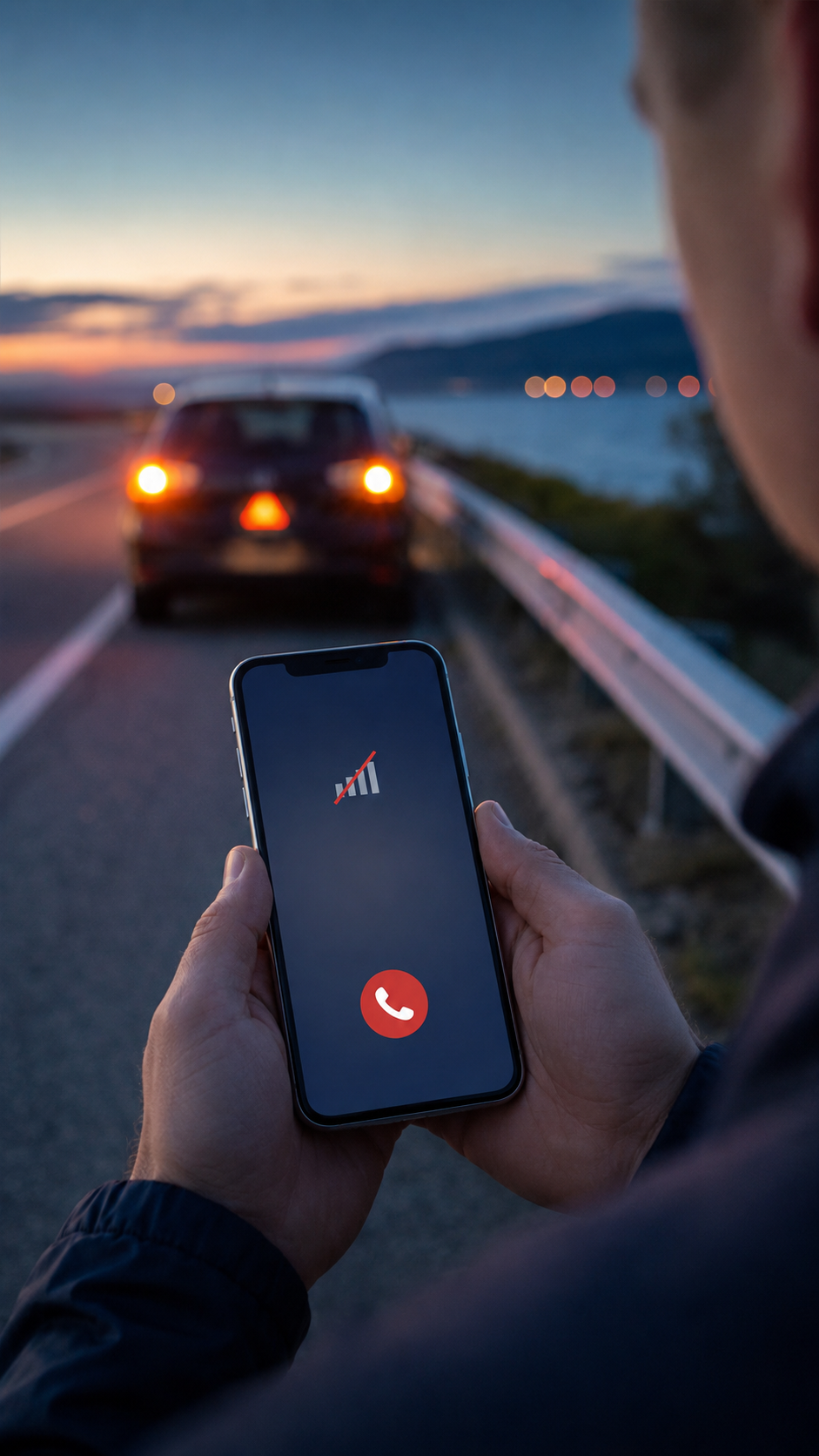
Imagine that you witness a serious car accident, discover a fire, or suddenly need an ambulance. You reach for the nearest phone, only to realize that its mobile service has been suspended. Perhaps the bill was not paid, the prepaid plan expired, or the SIM card was removed months ago.
Is the phone useless?
Not necessarily.
In the United States, a compatible wireless phone may still be able to call 911 even when it does not have an active calling plan. Similar emergency-access rules exist in many other countries, although the emergency number, network requirements, and location capabilities vary.
The important word is may. A suspended cell phone is not a guaranteed substitute for a fully activated phone. It must still have power, functioning hardware, compatible network technology, and access to a nearby cellular signal.
This guide explains how to make an emergency call on a suspended cell phone, what information to give the dispatcher, and why you should never assume that emergency services can automatically locate or call you back.
Important: This article uses the United States and 911 as its main examples. If you are elsewhere, use the emergency number for your current location and check the rules of that country.
The short answer in the United States is generally yes—provided the phone is technically capable of connecting to an available wireless network.
According to the National 911 Program, wireless phones that are not subscribed to or supported by a particular carrier can still place 911 calls. The Federal Communications Commission also states that wireless providers must transmit the 911 calls they receive to an emergency call center regardless of whether the caller subscribes to that provider.
This can cover several common situations:
A mobile account has been suspended for nonpayment.
A prepaid plan has expired or run out of credit.
The phone no longer has an active voice plan.
The device does not contain an active SIM or eSIM.
The phone displays “Emergency Calls Only” or, on certain devices, “SOS Only.”
However, emergency access does not restore normal service. A suspended phone generally cannot call relatives, roadside assistance, a hospital’s regular number, or other personal contacts. It is limited to recognized emergency numbers when a compatible network is available.
“Suspended Service” Is Not the Same as “No Connection”
This distinction can save valuable time.
A phone with suspended service may still have a working cellular radio. Although its normal calls are blocked, a nearby network may accept and route an emergency call.
Airplane Mode is active and cellular connectivity remains disabled.
No compatible carrier has coverage in the area.
The phone uses obsolete network technology.
The device has a hardware or antenna failure.
You are underground, inside a heavily shielded building, or in an isolated area with no signal.
The retirement of older cellular networks is especially important. The National 911 Program has warned that many phones dependent on retired 3G networks—including some 4G devices without VoLTE support—can no longer make calls, including emergency calls. An old phone stored in a drawer for emergencies may therefore provide a false sense of security.
How to Call 911 on a Suspended Phone
When every second counts, keep the process simple.
1. Turn on the phone
A suspended account does not matter if the device has no power. If the battery is extremely low, avoid opening unnecessary apps or spending time troubleshooting normal service.
If possible, connect the phone to a charger or power bank while making the call.
2. Turn off Airplane Mode
Look for an airplane symbol in the status bar. Disable Airplane Mode and make sure cellular connectivity is allowed.
You do not need working mobile data to make a traditional emergency voice call, but the phone must be able to search for and connect to a compatible cellular network.
3. Look for an emergency-service indicator
The screen may display messages such as:
Emergency Calls Only
Emergency Call
SOS
SOS Only
No Service
“Emergency Calls Only” usually means that normal service is unavailable but the phone has detected a network that might carry an emergency call.
“No Service” is less encouraging, but you should still try dialing the local emergency number. The phone may find another carrier during the call attempt.
4. Use the Emergency Call button
You generally do not need to unlock the phone.
On most smartphones, wake the screen and go to the passcode, PIN, or pattern entry page. Look for Emergency, Emergency Call, or a similar option near the bottom of the screen. Tap it to open the emergency dialer, enter the local emergency number, and place the call.
This lock-screen option is particularly useful if you are helping someone else and do not know their passcode.
5. Stay on the line until someone answers
Network selection can take longer on a phone without normal service. Do not assume the call has failed simply because it does not connect immediately.
If the call drops, dial again. A dispatcher may not be able to call a suspended phone back.
Making the Call from an iPhone
On a locked iPhone, wake the screen and access the passcode keypad. Tap Emergency, enter the local emergency number, and place the call.
Modern iPhones also include Emergency SOS shortcuts. Depending on the model and settings, pressing and holding the side button with a volume button can display the Emergency Call slider and begin a countdown. Some configurations allow Emergency SOS to start after the side button is pressed five times.
Button behavior can vary, so review Settings > Emergency SOS before an actual emergency. Do not place a live test call to emergency services.
Apple explains that when an iPhone cannot connect to its regular carrier, it may attempt to route an emergency call through another available network. In supported countries, an “SOS” or “SOS Only” indicator can mean that emergency calling remains available even though ordinary cellular service does not.
Compatible newer iPhones may also offer Emergency SOS via satellite when neither cellular nor Wi-Fi service is available. This feature requires supported hardware, software, location, and service availability, as well as a clear view of the sky. Do not automatically assume that satellite service will work on every suspended or unactivated phone.
Making the Call from an Android Phone
Android menus differ by manufacturer, but most devices provide an emergency option on the lock screen.
Wake the device and go to the PIN, password, or pattern screen. Tap Emergency Call, enter the local emergency number, and press the call button.
Many Android devices also support an Emergency SOS shortcut. Google’s current Android guidance describes pressing the power button five or more times to start configured emergency actions. Depending on the settings, the user may need to touch and hold a confirmation control or wait through a countdown.
Because Samsung, Google Pixel, Motorola, and other manufacturers can implement these features differently, review the safety settings on your own device. Google notes that an Android phone without a SIM or eSIM may still be able to place emergency calls, but it will not necessarily be able to contact your personal emergency contacts.
Some supported Pixel phones also provide emergency satellite communication in eligible regions. As with Apple’s system, device compatibility and availability requirements apply.
Tell the Dispatcher Your Location First
When calling from a suspended phone, your first sentence should include your location whenever possible.
A good opening sounds like this:
“I need an ambulance at 24 Oak Street, apartment 3B, in Springfield. A person is unconscious.”
Then provide:
Your exact location, including the city or county.
The type of emergency.
The number of people involved.
Immediate dangers such as fire, traffic, weapons, gas, or unstable structures.
A description of the patient or incident.
Your name and any usable callback number.
If you do not know the street address, look for road signs, mile markers, trail numbers, building names, business signs, intersections, or recognizable landmarks. On a highway, give the direction of travel and the nearest exit.
Do not waste time trying to sound calm or polished. Speak clearly, answer the dispatcher’s questions, and follow instructions.
Why Location and Callback Limitations Matter
One of the biggest misconceptions about emergency calling is that dispatchers can always see exactly where a mobile caller is located.
In the United States, 911.gov specifically warns that calls from phones without active service may not provide the caller’s location to the emergency call center. The center may also be unable to call the phone back if the connection is lost.
That makes a suspended handset more dangerous in situations where the caller cannot speak, does not know the address, or becomes disconnected.
A tragic European case demonstrates why this issue is so serious. In 2013, a 17-year-old girl identified in court records as “ES” was kidnapped in Lithuania. While trapped in the trunk of a car, she called 112 ten times, but the emergency center did not receive information that allowed her phone to be identified and located. Police were unable to reach her in time.
In a later judgment, the Court of Justice of the European Union held that EU rules require caller-location information to be made available for 112 calls, subject to technical feasibility, including calls made from mobile phones without SIM cards.
The case led to important legal clarification, but its practical lesson remains simple: never assume that technology has communicated your location. Say it aloud and repeat it if necessary.
Can You Text Emergency Services from a Suspended Phone?
Do not depend on it.
In the United States, text-to-911 is available in many—but not all—communities. The National 911 Program recommends: call if you can and text if you cannot. If a local center does not support texting, the sender should receive a failure or “bounce-back” message.
A suspended account may also lack working SMS service, even when an emergency voice call can be routed. Emergency voice-call rules do not necessarily mean that text messages, video calls, chat apps, or internet-based calling services will work.
If you cannot speak safely and text-to-911 is available, send a brief message containing your location and emergency:
“Police needed. Intruder inside 18 Pine Road, second floor. I cannot speak.”
Do not include long explanations before stating where you are.
What to Do If the Emergency Call Fails
If the phone cannot connect:
Try again after moving to a nearby open area, higher floor, window, or location away from thick concrete—only if moving is safe.
Turn Airplane Mode on briefly, turn it off, and retry.
Restart the phone if there is time and the emergency is not immediately life-threatening.
Ask another person to use their phone.
Look for a landline, emergency call box, staffed business, security desk, ranger station, or passing vehicle.
Use a supported satellite emergency feature if the phone offers one.
Send someone to summon help while another person remains with the injured individual.
Never climb dangerous terrain, enter traffic, leave a child unattended, or move away from a seriously injured person solely to find a better signal unless the situation requires it.
Emergency Numbers Are Different Around the World
Dial the emergency number for the country where you are physically located—not the number used in your home country.
For example:
United States and Canada: 911
European Union: 112
United Kingdom: 999 or 112
Australia: 000
South Korea: 112 for police; 119 for fire and ambulance
The EU’s official information portal confirms that 112 can be called free of charge from fixed and mobile phones throughout the European Union. However, access without a SIM and the amount of location data available can still depend on national systems and technical conditions.
Before international travel, save the local numbers for police, fire, ambulance, roadside assistance, and your embassy. Do not wait for a crisis to look them up.
Replace old emergency-only phones that rely on retired network technology.
You can safely explore your phone’s SOS settings or use an official satellite demonstration mode, but never make an unnecessary test call to an emergency number. If you call accidentally, do not hang up. Stay on the line and tell the dispatcher that no help is needed.
The Bottom Line
A suspended cell phone may still save a life. In the United States, a compatible phone can generally call 911 without an active wireless plan, but it still needs power, working hardware, a supported network, and usable coverage. Location information may be unavailable, and the dispatcher may be unable to call back after a dropped connection. Treat emergency-only access as a valuable last resort—not as a replacement for an activated phone.
Have you ever tried to make an emergency call from a phone with no active service, or does your country handle SIM-free emergency calls differently? Share what happened—or the emergency feature you think everyone should know about—in the comments below.
Hi, I’m the creator and editor behind ZestyHabit. I research everyday safety, first aid, and practical wellness topics using official guidance and reliable public sources, then turn that information into clear, realistic steps for daily life.
My goal is to help readers make safer, better-informed choices at home and beyond.